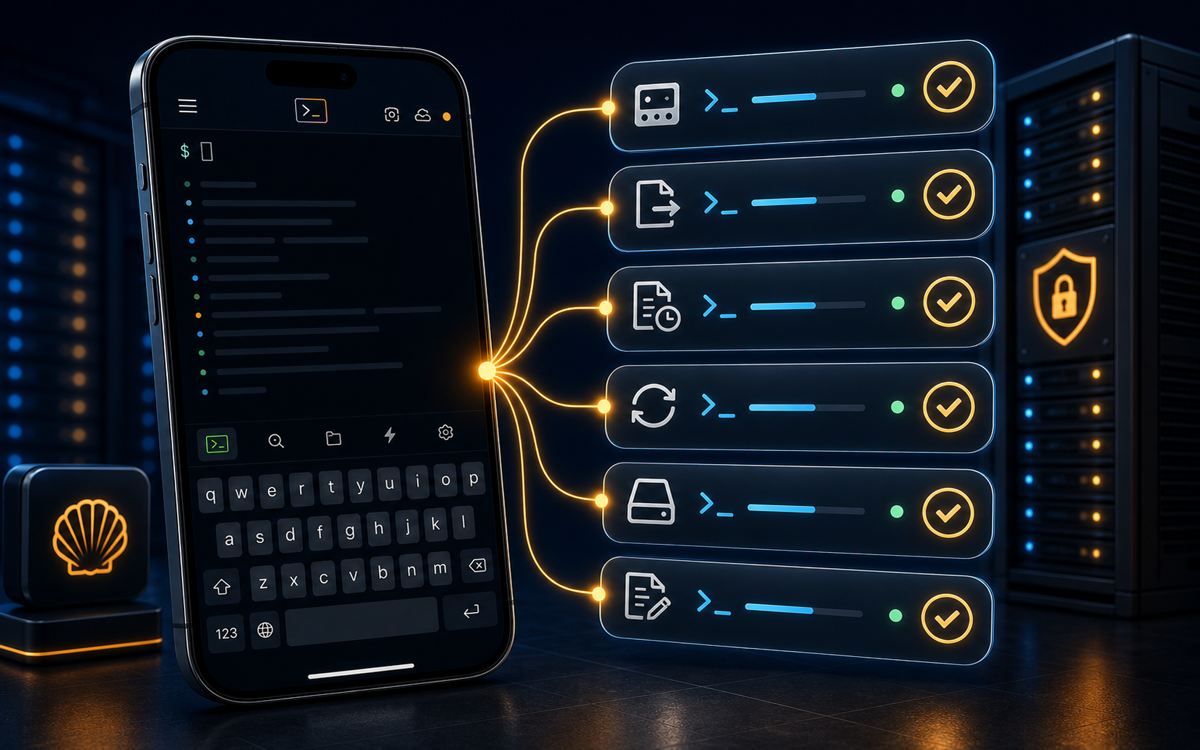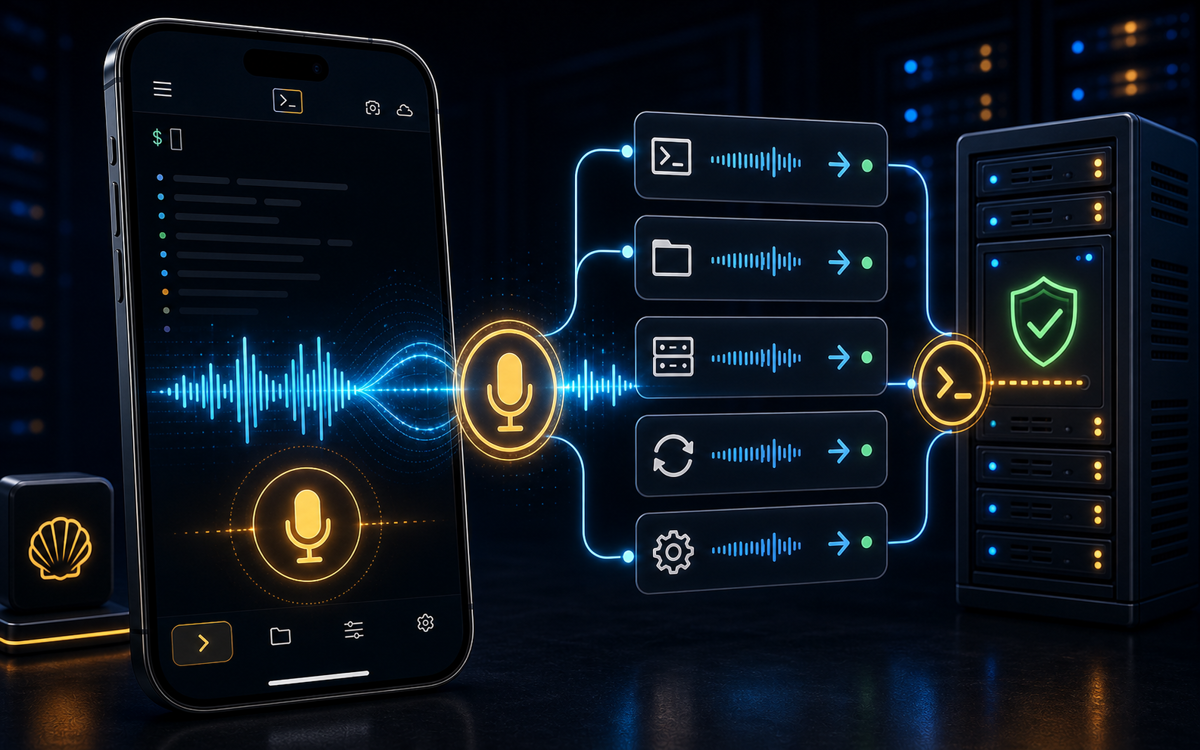
ShellSage Preset Commands: Run Server Tasks in One Tap from Your Phone
Tap the lightning button to run disk checks, service restarts, git, Docker and AI installs in one tap, or save your own custom commands.
Watch Tutorial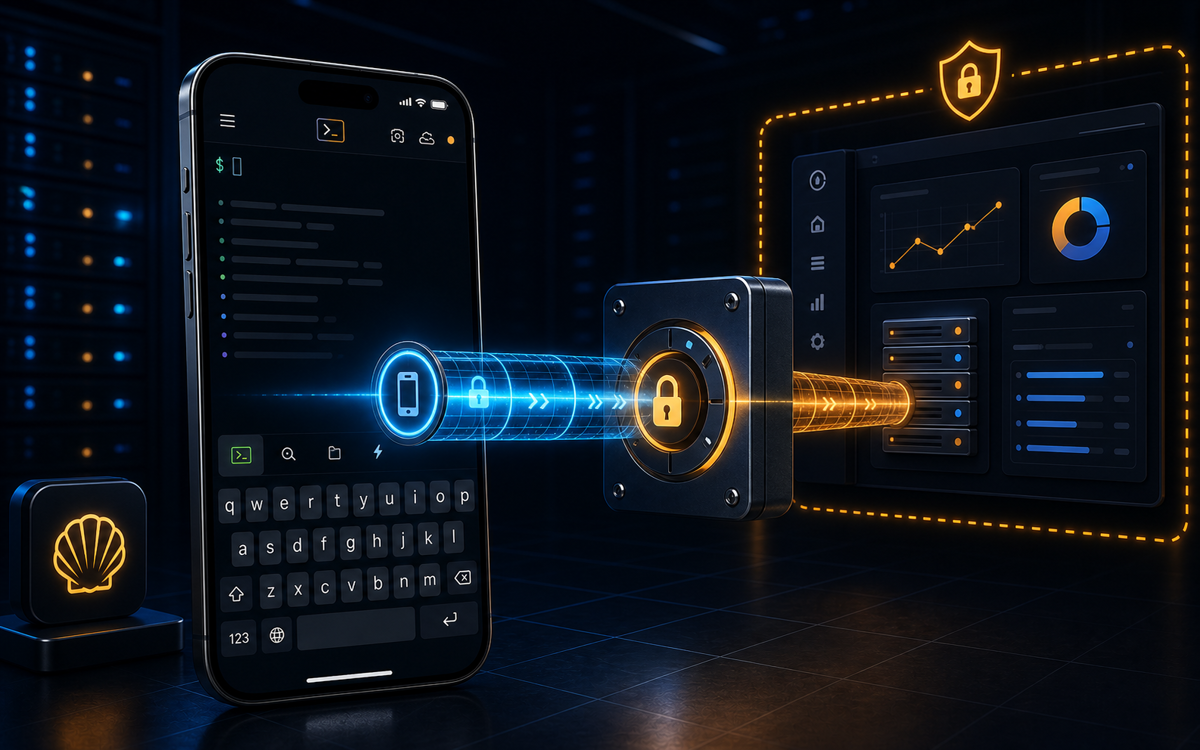
SSH Port Forwarding on Mobile: A Comprehensive Guide
SSH port forwarding explained for mobile: set up local, remote and dynamic tunnels to reach databases and internal dashboards safely, with copy-ready commands.
Watch Tutorial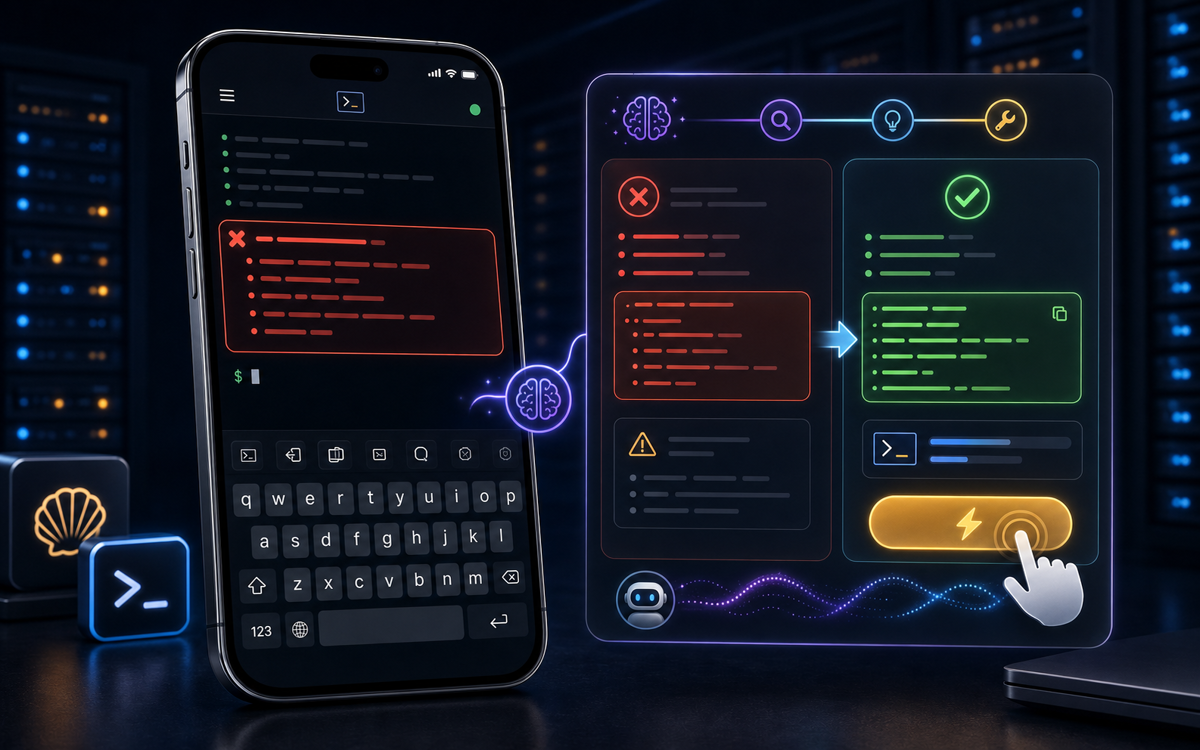
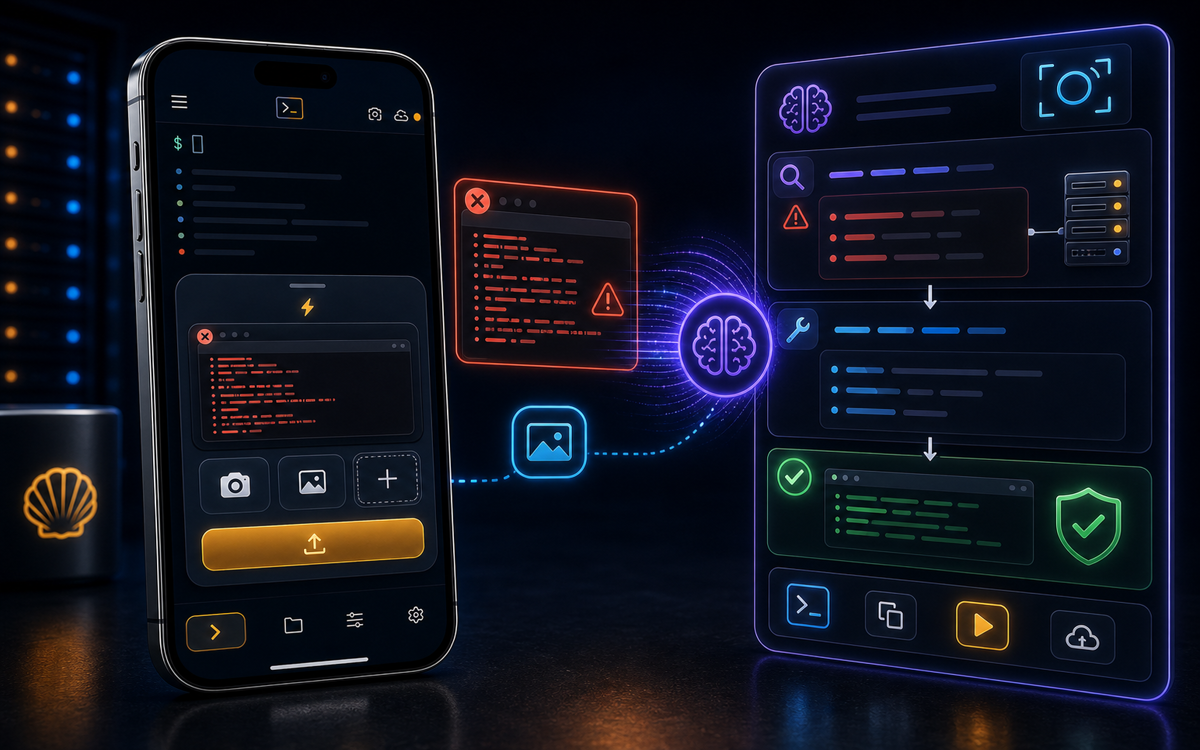
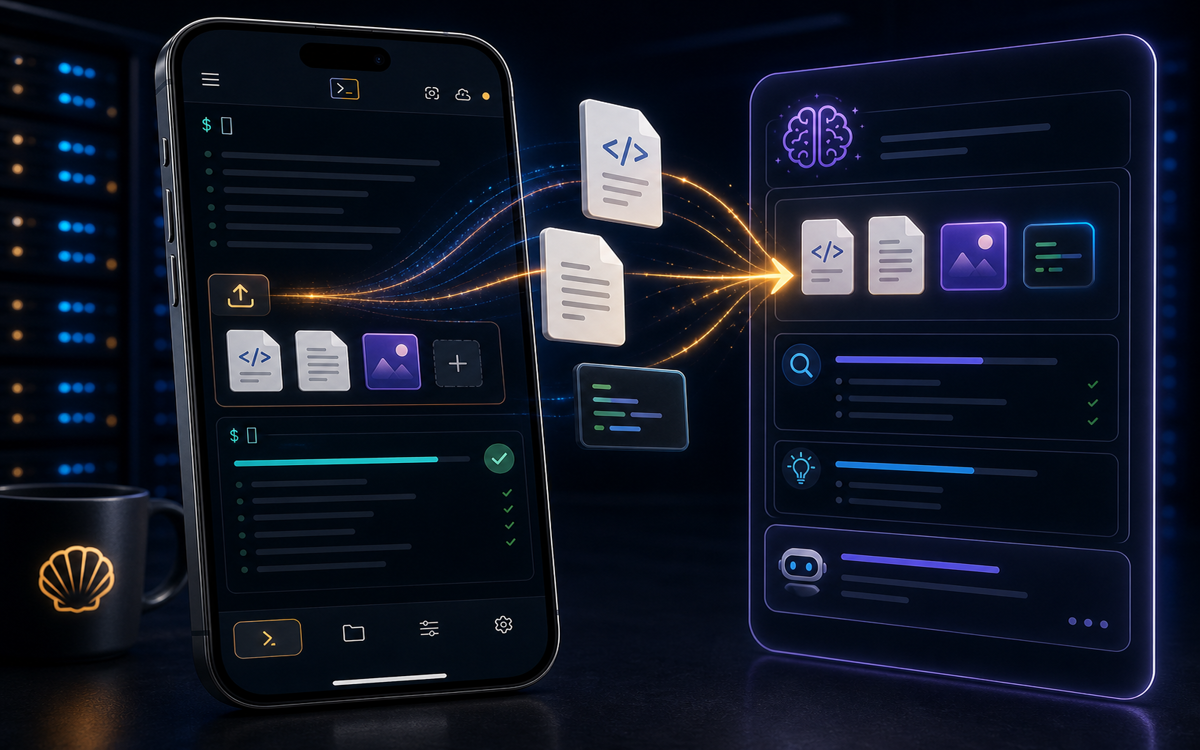
AI Assist: Explain and Fix Any Terminal Output with One Tap
Tap any terminal output and have AI explain what it means and what to run next: decode errors, stack traces and config dumps without leaving your SSH session.
Read Article
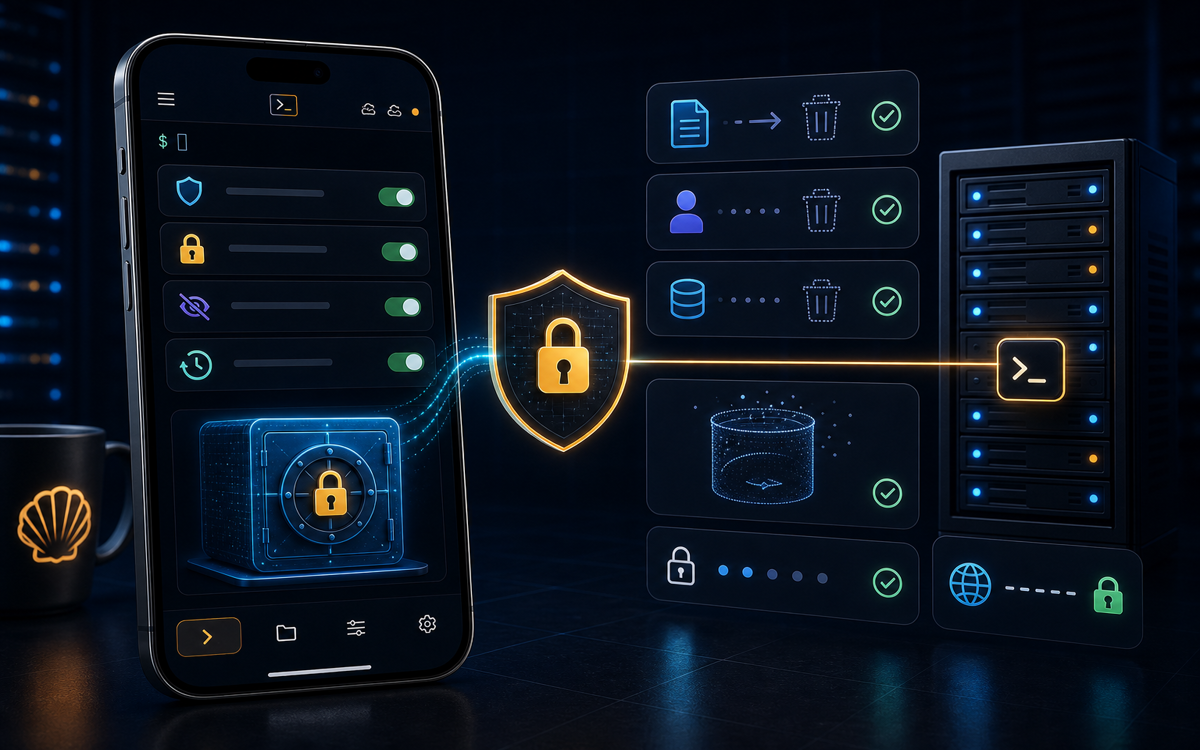
Bring Your Own Key (BYOK): Use Your Own Claude or OpenAI Key
Use your own Claude or OpenAI API key in ShellSage: keep AI usage on your own account and billing, and choose which model answers your terminal prompts.
Read Article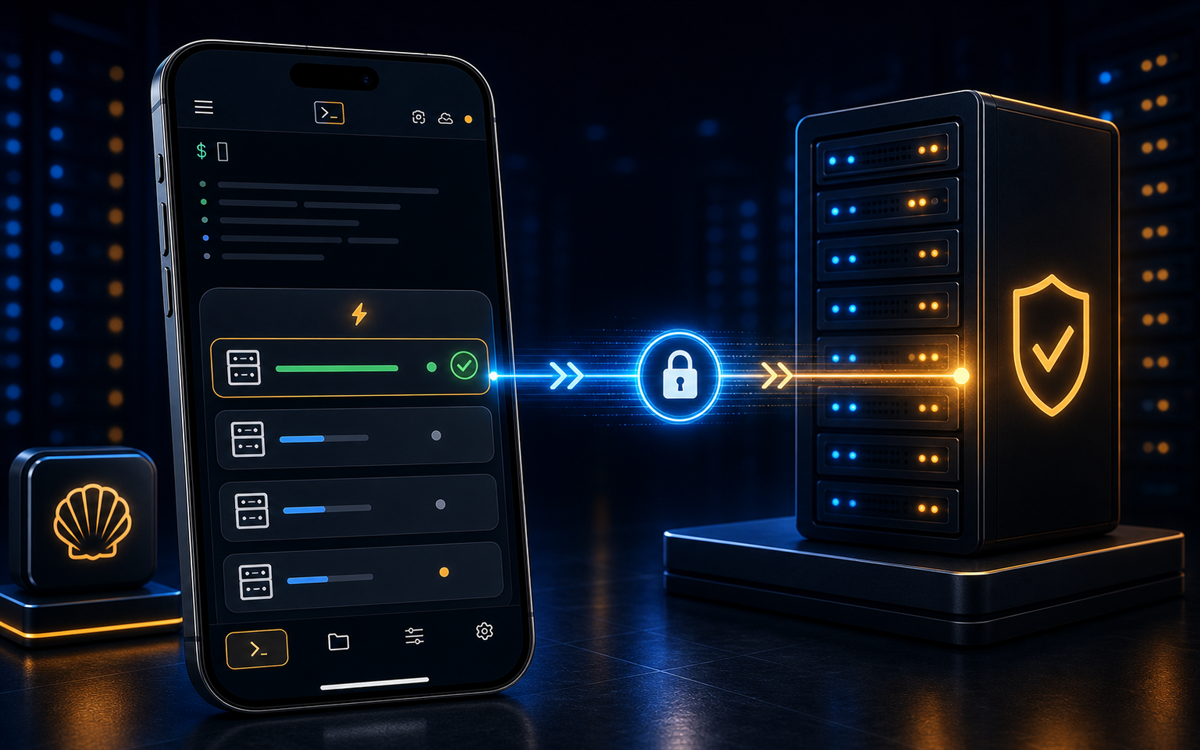
How to Connect to a Server Over SSH from Your Phone
Connect to any Linux server over SSH from your phone: enter host, port and credentials, verify the host key, and get a full terminal , no laptop required.
Read Article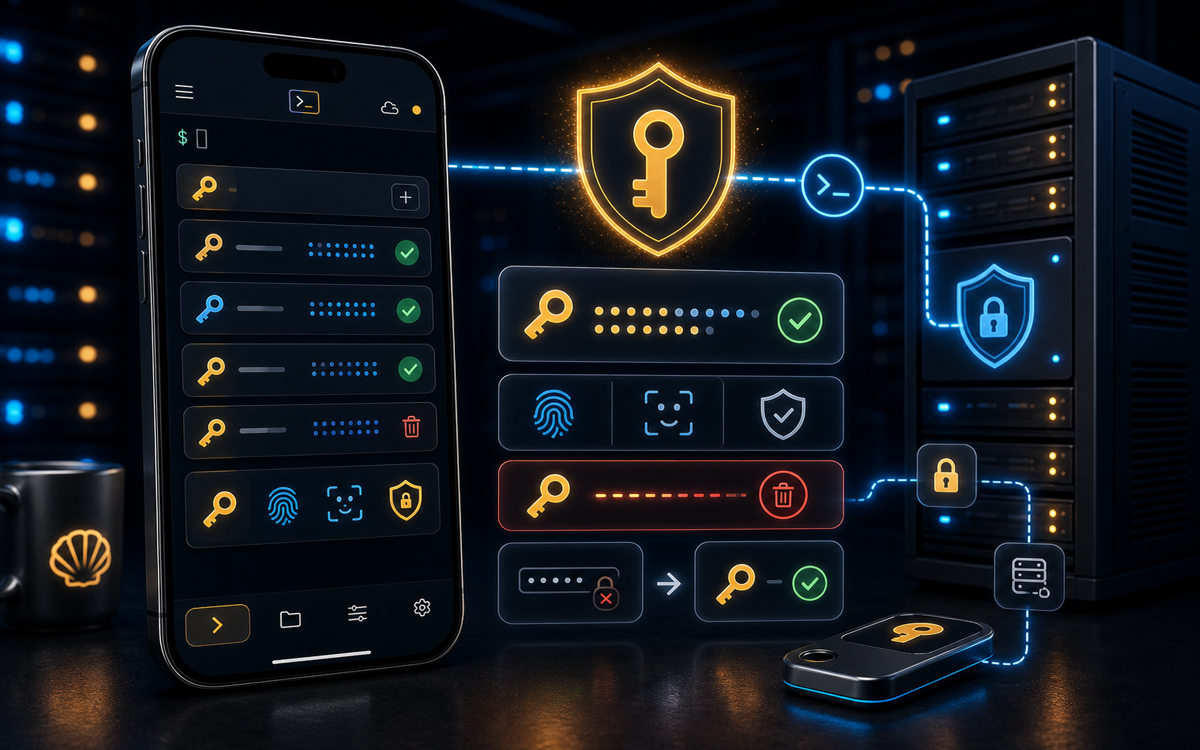
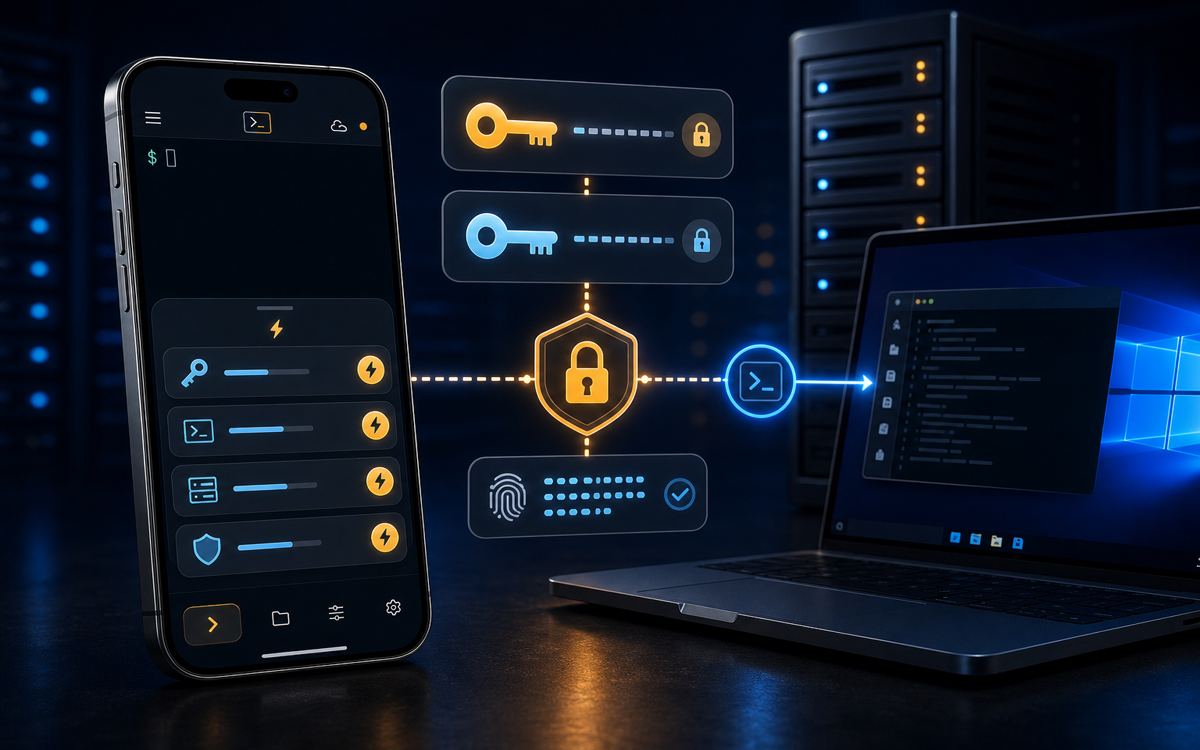
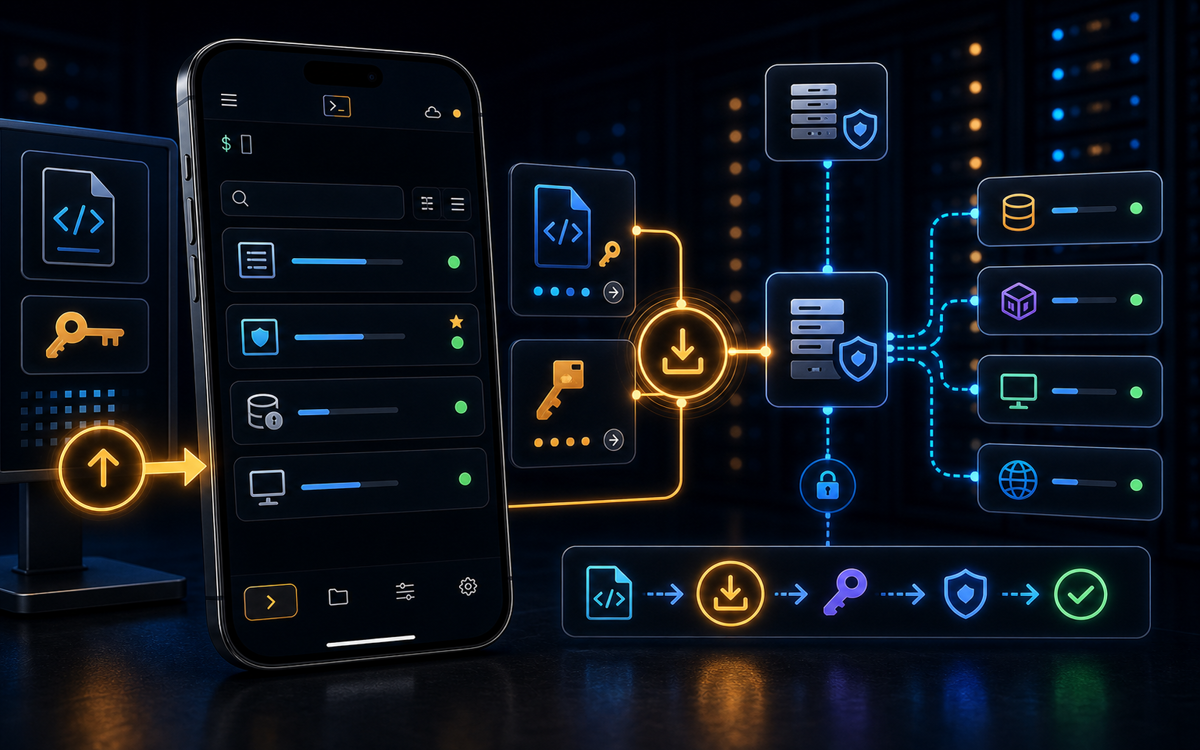
Generate an SSH Key on Your Phone (No Laptop Needed)
Generate an SSH key pair on your phone in minutes: choose Ed25519 or RSA, protect it with a passphrase and biometrics, then install it on your server.
Read Article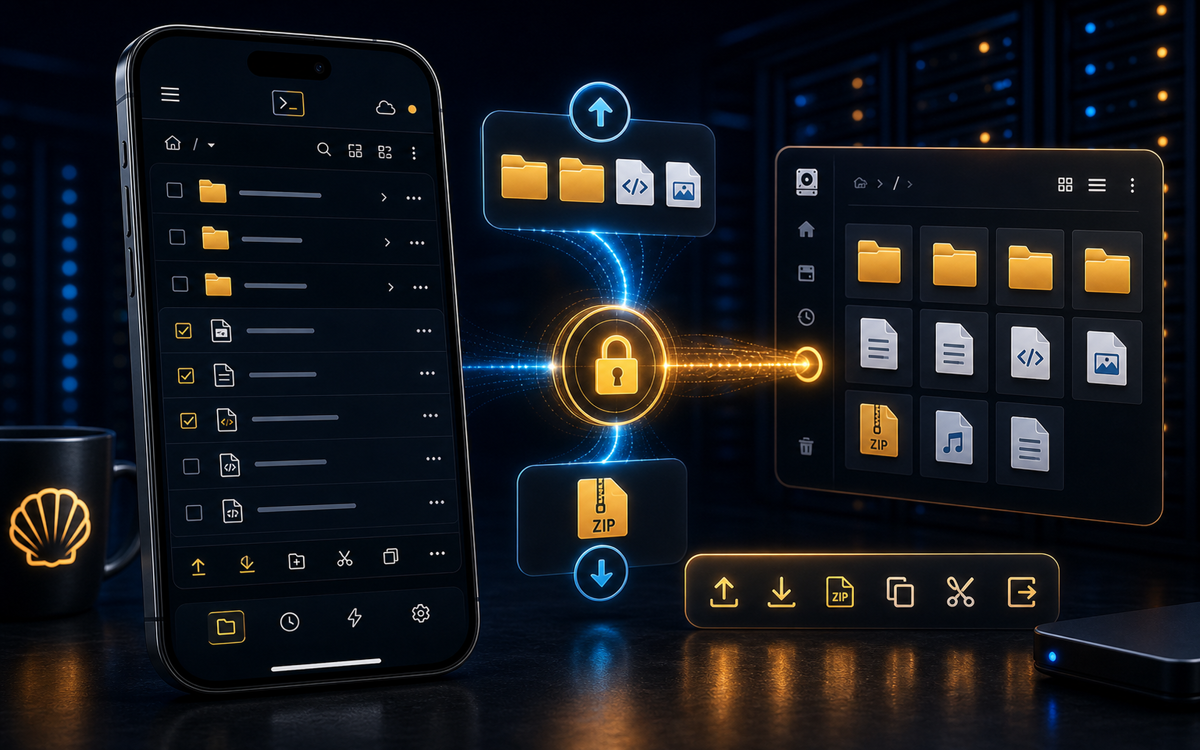
Browse Server Files and Folders from Your Phone Using SFTP
Browse server files and folders from your phone over SFTP: navigate directories, preview and edit files, and fix permissions in a real mobile file manager.
Read ArticleUnderstanding Vibe Coding on a Server
Explore how vibe coding enhances server management through AI workflows, making command-line interactions seamless and efficient.
Read Article