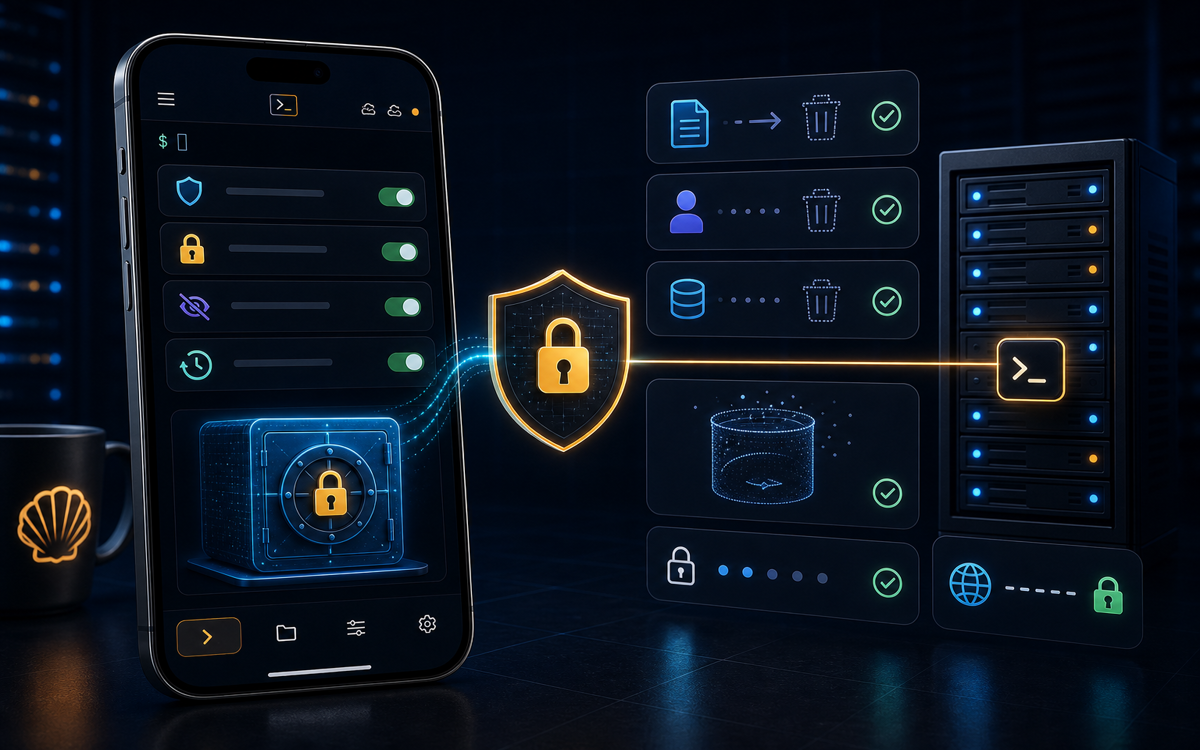
ShellSage prioritizes your privacy by employing a default-zero-retention policy, meaning that it does not store your terminal commands or keystrokes. However, it does save certain information, such as your saved hosts, to enhance your experience across devices.
What Data Does ShellSage Store?
When you use ShellSage, the primary focus is on maintaining the confidentiality of your terminal sessions. Importantly, ShellSage does not record your commands, keystrokes, or scrollback. This means that every time you connect to a server via SSH or transfer files through SFTP, your actions remain private and secure. This is a crucial aspect for developers and sysadmins who often deal with sensitive data.
"Your terminal sessions stay private; ShellSage does NOT record your commands or keystrokes."
However, ShellSage does store some information to enhance your user experience. It keeps a record of your saved hosts, which allows for synchronization across multiple devices. This includes the label, address, port, username, and the sign-in credential, all of which are kept encrypted and access-controlled. This ensures that even though the data is stored, it remains secure and private.
How Does ShellSage Handle AI Interactions?
One of the standout features of ShellSage is its AI assistant, Sage, which provides real-time help and explanations as you work in the terminal. When you request assistance, the AI processes your input to deliver relevant answers. However, it's worth noting that this interaction is not permanently stored unless you enable assistant history. This feature allows you to keep a record of your AI interactions, but it is entirely optional.
"AI help is processed to answer you and is NOT kept unless you turn on assistant history."
If you do choose to enable assistant history, be aware that this will result in the storage of your AI interactions. This is a trade-off between convenience and privacy, and you should weigh the benefits of having a history of your interactions against the potential risks of storing that data.
What Happens to Uploaded Files?
When you use ShellSage to send files to a host, those files are stored temporarily. Specifically, any file you send is kept privately for 24 hours. After this period, the file is automatically deleted. This temporary storage is designed to facilitate file transfers while minimizing the risk of leaving sensitive data lingering on the server.
scp /path/to/local/file user@remote_host:/path/to/remote/directoryIn this example, you would replace /path/to/local/file with the actual path of the file you want to send. Once the file is sent, it will be stored on the remote host temporarily, but you can be assured that it will be removed after 24 hours. This is particularly important for those who regularly transfer sensitive information and want to ensure that it does not remain accessible indefinitely.
How to Manage Your Privacy Settings in ShellSage?
ShellSage provides users with the ability to customize their privacy settings according to their needs. You can manage your saved hosts, AI assistant history, and other privacy-related settings directly through the app. To access these settings, navigate to the app's settings menu and look for the privacy section.
In the privacy section, you can toggle options for assistant history and review your saved hosts. If you wish to delete any saved host or disable assistant history, you can do so with just a few taps. This level of control allows you to maintain your preferred balance between convenience and privacy.
What Are the Implications of Default-Zero-Retention?
The default-zero-retention policy adopted by ShellSage has significant implications for users. By not retaining command history, ShellSage mitigates the risks associated with data breaches. Even in the event of a security incident, there would be no command history for attackers to exploit. This is a major advantage for developers and sysadmins who often work in environments with sensitive data.
Moreover, this policy enhances user trust. Knowing that your commands and interactions are not being recorded allows you to work with peace of mind. However, it is important for users to understand what information is stored and for how long. Being informed can help you make better decisions about what information you share and how you use the app.
"ShellSage's default-zero-retention policy means no command history is stored, enhancing data security."
In summary, while ShellSage does store certain information to improve usability, it does so in a way that prioritizes your privacy. Understanding these storage practices is essential for making informed decisions about your data security while using the app.
⚡ Key takeaways
- ›ShellSage does not retain your commands or keystrokes, ensuring privacy.
- ›Saved hosts are stored securely and encrypted for ease of access.
- ›Files sent through ShellSage are deleted after 24 hours to minimize risk.