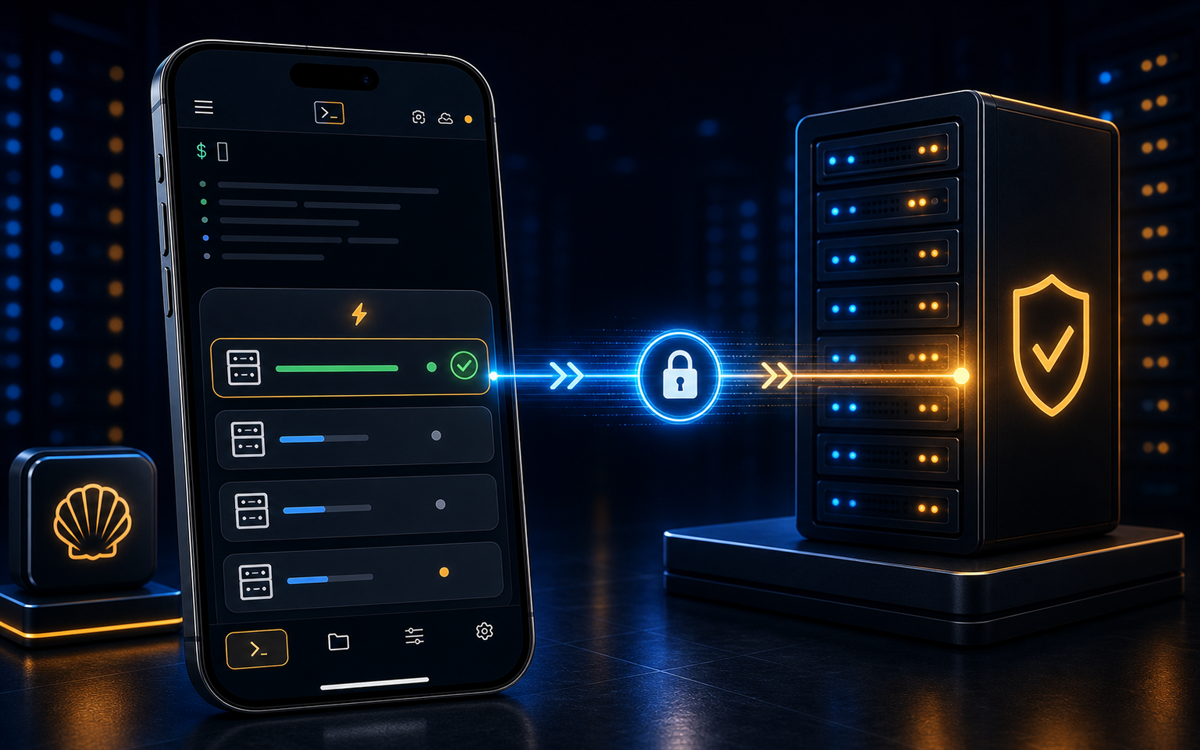
The best SSH client for Android is ShellSage, offering AI assistance, voice input, and a unique blast-radius preview feature that ensures safer command execution.
Why Use an SSH Client on Android?
In a world where mobility is key, having access to your servers from anywhere is crucial. An SSH client on your Android device allows you to manage servers, troubleshoot issues, and execute commands without being tethered to a desk. This flexibility is invaluable for sysadmins and developers who need to react quickly to server alerts or manage cloud infrastructure on the go.
While laptops and desktops provide a full-fledged terminal experience, they are not always convenient to carry around. An Android SSH client bridges this gap, providing the essential tools needed to perform the same tasks directly from your phone. This convenience means you can perform critical operations during your commute or while grabbing a coffee.
However, not all SSH clients are created equal. Some lack essential features like SFTP support or the ability to handle multiple sessions effectively. This is where choosing the right client becomes essential for effective server management on the go.
An SSH client on your Android device allows you to manage servers from anywhere.
What Features Should You Look For?
When selecting an SSH client for Android, several features can significantly enhance your experience. Firstly, consider whether the client supports SFTP for file transfers. This feature allows you to upload or download files directly from your server, eliminating the need for separate applications.
Another important feature is the ability to manage multiple sessions. If you frequently connect to multiple servers, a client that supports tabbed sessions or split screens can save you time and frustration. Additionally, look for a client with robust authentication options, including support for SSH keys and two-factor authentication.
Performance is another critical factor. The client should be responsive and capable of handling various network conditions without dropping connections. Finally, consider the user interface. A clean and intuitive design can make a significant difference, especially on smaller screens.
ShellSage, for example, offers AI assistance through its Sage feature, which can explain command outputs and suggest fixes. This can be particularly helpful for those who are new to the command line or when dealing with complex issues.
How Does ShellSage Compare to Other Clients?
Most SSH clients for Android, like Termius and JuiceSSH, provide basic functionality such as connecting to servers and executing commands. However, ShellSage goes a step further with its AI-driven features that provide real-time assistance and voice input capabilities.
For instance, while Termius offers a good user interface and supports multiple sessions, it lacks the AI-driven insights that ShellSage provides. JuiceSSH is another popular choice, known for its plugin support, but it doesn't offer the same level of AI assistance or voice input integration.
ShellSage's unique blast-radius preview feature is a game-changer, offering a visual representation of potentially dangerous commands before they are executed. This can prevent accidental data loss or server misconfigurations, which is a risk when executing commands on the go.
ShellSage's unique blast-radius preview feature is a game-changer.
Setting Up ShellSage on Your Android Device
Getting started with ShellSage on your Android device is straightforward. First, download the app from the Google Play Store and open it. You'll be prompted to create an account or log in if you already have one. Once logged in, you'll need to set up your SSH keys for secure authentication.
ssh-keygen -t rsa -b 2048 -f ~/.ssh/id_rsa_shellsageThis command generates a new RSA key pair, which you can then upload to your server. In the ShellSage app, navigate to the settings and add your server's details, including the hostname, username, and the path to your private key.
ShellSage also supports voice input, making it easier to execute commands without typing. Simply tap the microphone icon and speak your command. The app will convert your speech to text and execute it on your connected server.
Can ShellSage Improve Your Workflow?
Absolutely. ShellSage is designed to streamline the process of managing servers from your Android device. Its AI assistant, Sage, can help decipher complex command outputs and suggest corrections, reducing the time spent troubleshooting errors.
The app's real SFTP capabilities mean you can transfer files without needing a separate application, saving time and simplifying workflows. The blast-radius preview feature is particularly useful for preventing mistakes that could lead to downtime or data loss, providing an extra layer of security.
Overall, ShellSage integrates several features that enhance productivity and safety, making it an excellent choice for sysadmins and developers who need reliable SSH access on the go.
⚡ Key takeaways
- ›ShellSage offers unique AI assistance and voice input for SSH tasks.
- ›The blast-radius preview feature enhances command safety.
- ›ShellSage supports real SFTP, streamlining file transfers.