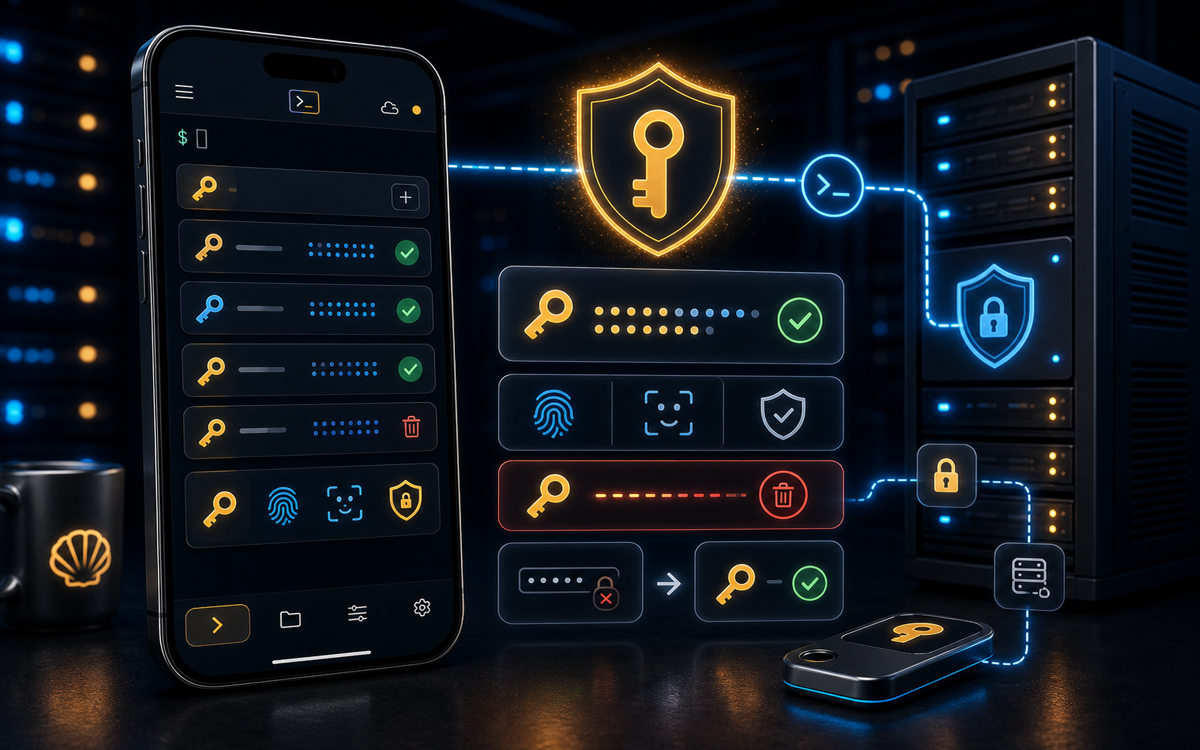
SSH key authentication is generally considered safer than password authentication due to its resistance to brute-force attacks and the complexities of managing private keys.
Understanding SSH Authentication Methods
SSH (Secure Shell) is a protocol used to securely access remote systems. Authentication is a crucial part of this process, as it determines how users prove their identity to the server. There are primarily two methods of SSH authentication: password authentication and key-based authentication.
Password authentication requires users to enter a username and a password to gain access to the SSH server. This method is straightforward but susceptible to various attacks, including brute-force attacks, where an attacker attempts to guess the password. On the other hand, key-based authentication uses cryptographic keys for authentication. Users generate a key pair: a public key, which is placed on the server, and a private key, which remains on the user's machine.
Key-based authentication reduces the risk of unauthorized access due to the complexities of managing private keys.
Each method has its advantages and disadvantages, but understanding their security implications is essential for making an informed choice in a production environment.
Why is Key-Based Authentication More Secure?
Key-based authentication provides enhanced security for several reasons. First, it eliminates the need to transmit passwords over the network, reducing the likelihood of interception. When you connect using key authentication, only the public key is sent to the server, which verifies it against the user's private key stored locally.
Second, key-based authentication supports passphrase protection for private keys. This adds an additional layer of security; even if someone gains access to your private key file, they must also know the passphrase to use it. Furthermore, key-based authentication can be configured to allow only specific users or to limit access to specific commands, adding an extra layer of control.
Using key-based authentication not only enhances security but also simplifies the management of access controls.
Finally, SSH keys are typically much longer than passwords, making them significantly harder to crack. While a strong password may have a length of 12-16 characters, SSH keys can be 2048 bits or more, providing a much larger keyspace.
How to Set Up SSH Key Authentication
Setting up SSH key authentication is straightforward. Here’s how you can do it:
- Generate an SSH key pair on your local machine:
ssh-keygen -t rsa -b 2048This command creates a 2048-bit RSA key pair. You will be prompted to enter a file to save the key and an optional passphrase.
- Copy the public key to the SSH server:
ssh-copy-id user@hostThis command copies your public key to the remote server, allowing you to log in without a password. If you don’t have the ssh-copy-id command available, you can manually append the contents of your public key to the ~/.ssh/authorized_keys file on the server.
- Test the SSH connection:
ssh user@hostIf everything is set up correctly, you should log in without being prompted for a password.
When Should You Use Password Authentication?
While key-based authentication is generally more secure, there are scenarios where password authentication might be necessary. For example, in environments where users are frequently changing devices or do not have the technical expertise to manage SSH keys, password authentication may be more convenient.
Additionally, in some situations, you may not have the ability to distribute SSH keys easily. For instance, if you are accessing a temporary server or a cloud instance that is not under your direct control, using a password might be the simplest solution.
Always weigh the convenience of password authentication against the security risks involved.
However, it is crucial to enforce strong password policies if you choose to use password authentication. This includes requiring complex passwords, implementing account lockout policies after a certain number of failed login attempts, and regularly rotating passwords.
Best Practices for SSH Security
Regardless of the authentication method you choose, it is essential to follow best practices for SSH security. Here are some recommendations:
- Disable password authentication entirely if you can use key-based authentication.
- Use a strong passphrase for your SSH keys.
- Regularly rotate your SSH keys and remove unused keys from the
authorized_keysfile. - Limit SSH access to specific IP addresses using firewall rules.
- Enable two-factor authentication (2FA) for an added layer of security.
Using ShellSage can simplify managing these best practices. With features like Sage explaining command outputs and the blast-radius preview before executing potentially dangerous commands, you can configure and secure your SSH sessions with confidence, even from your phone.
⚡ Key takeaways
- ›SSH key authentication is more secure than password authentication.
- ›Key-based authentication avoids transmitting passwords over the network.
- ›Implementing SSH best practices is crucial for maintaining security.